


In 2025, a world-class online casino must fit seamlessly into your pocket. The Vegastars mobile platform has been meticulously developed to provide players in Australia and New Zealand with an uncompromised, high-performance gaming experience on any smartphone or tablet. This guide will provide a detailed comparison of playing in-browser versus using the dedicated Vegastars app , explain the Vegastars APK installation process for Android users, and offer expert tips to ensure your on-the-go gameplay is flawless.
Mobile browser vs dedicated app: a close look for players down under
There are two ways to play Vegastars on mobile: the fully optimised mobile website and a downloadable app. Both give you every game and feature, but each suits a slightly different type of player.
This table offers a side-by-side comparison to help you choose the best option for you.
| Feature | Mobile Browser Experience | Dedicated App Experience |
|---|---|---|
| Initial Setup | None. Simply open your browser and navigate to the site. Instant access. | One-time installation. Requires downloading the app and a few taps to install. |
| Performance | Excellent and highly responsive, but can be marginally affected by the performance of the browser itself. | Peak performance. Often feels slightly faster and smoother as it’s a closed, dedicated software environment. |
| Storage Usage | Zero. Uses no permanent storage space on your device. | Minimal. The app takes up a small amount of storage space on your device. |
| Updates | Automatic. You are always using the very latest version of the platform without needing to do anything. | May require updates. You may need to periodically download new versions to access the latest features. |
| Convenience | Requires opening a browser and navigating to the site (unless bookmarked). | One-tap access. The app icon on your home screen provides the quickest possible entry point. |
Verdict: if convenience matters most and you would rather not use up phone storage, the browser version works perfectly. If you want top performance and one-tap access, download the dedicated app instead.
How to get the most from the Vegastars mobile site
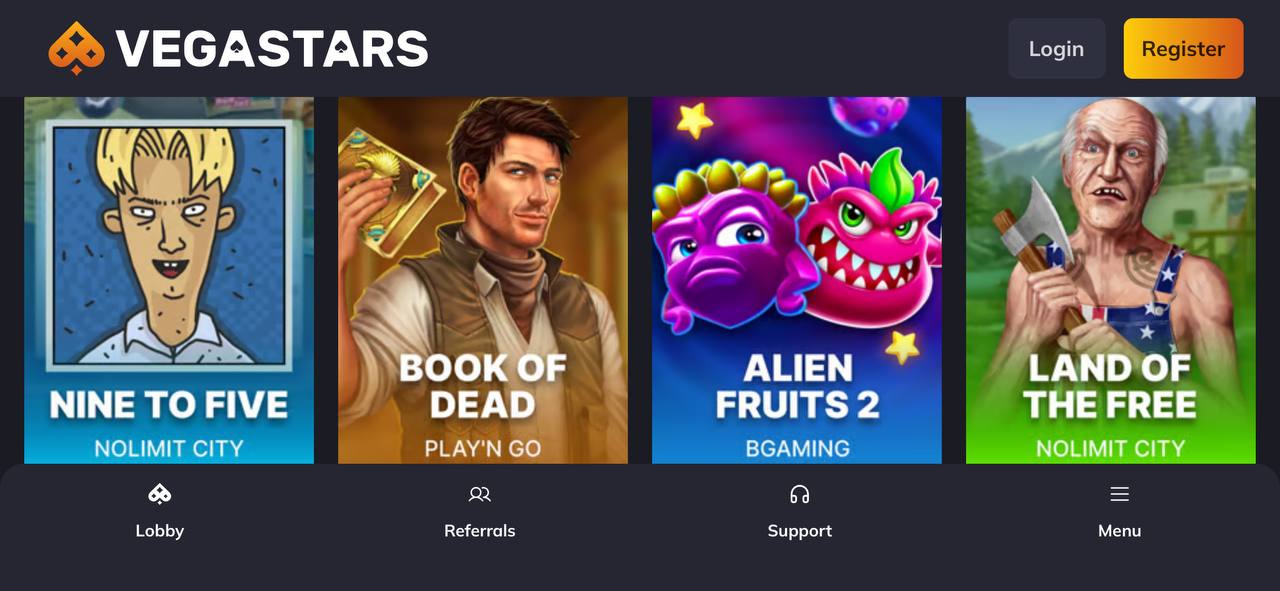
Opening Vegastars in your mobile browser is the easiest way to play. The platform runs on modern HTML5 technology, so the site adjusts to your device straight away, whether you use an iPhone, iPad or Android phone.
Tips for smooth browser play:
- Keep Your Browser Updated: Use the latest version of Safari (for iOS) or Google Chrome (for Android) for optimal compatibility and security.
- Create a Home Screen Shortcut: You can create a web-shortcut to Vegastars on your phone’s home screen. This gives you app-like, one-tap access without using any storage space.
- Ensure a Stable Connection: A reliable Wi-Fi or 4G/5G connection is essential for smooth gameplay, especially for the data-intensive live dealer games.
The Vegastars app (APK): Android installation guide
Android users who want the best mobile experience should install the Vegastars APK. An APK is the file format Android uses to distribute and install apps.
Use this safe installation process:
- Adjust Phone Settings: First, you must allow your device to install apps from outside the Google Play Store. Navigate to your phone’s Settings > Security (or Apps) and enable the “Install from Unknown Sources” option.
- Download the APK from the Official Site: Using your mobile browser, visit the official Vegastars website. Find the “Mobile App” section and tap the link to download the Vegastars APK file.
- Run the Installation: Once the download is complete, open the file from your browser’s downloads list or your phone’s notification shade. A prompt will appear; tap “Install” to begin the process.
- Launch and Enjoy: Within seconds, the installation will be complete. The Vegastars app icon will now be on your home screen, ready for you to log in and immerse yourself in the action.
Best mobile pokies to play at Vegastars in AU & NZ
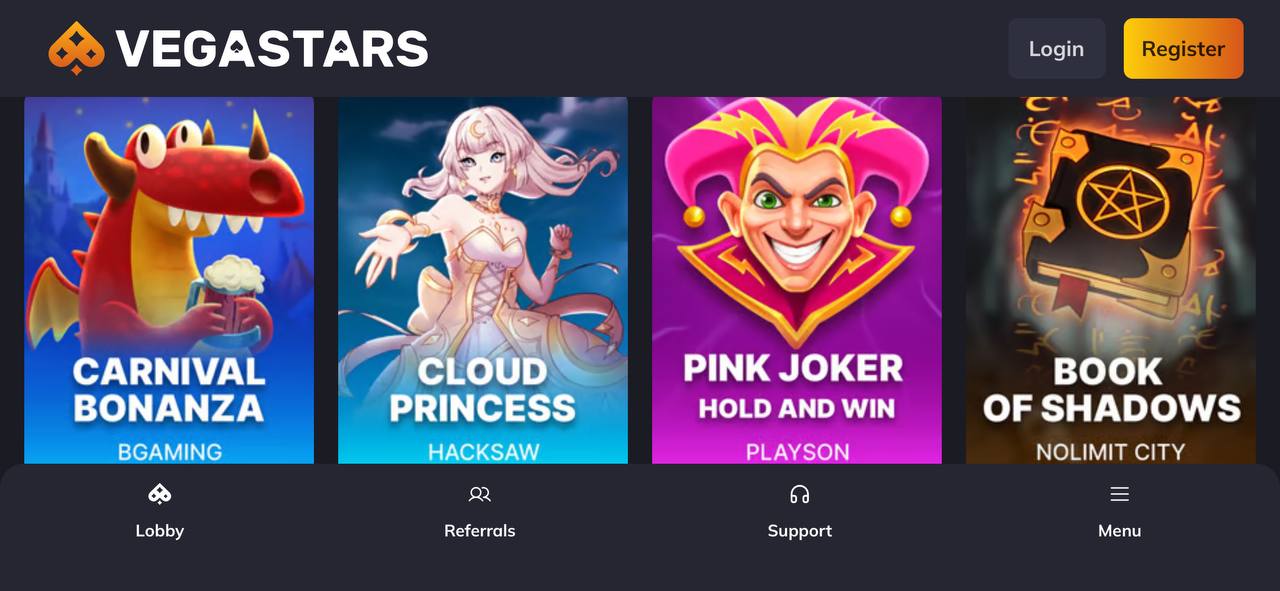
Almost every game in the Vegastars library works on mobile. Titles are built on a "mobile-first" approach, with responsive touch controls and layouts that stay clear and usable on a small screen. Standout mobile games include:
- Gates of Olympus 1000
- Sugar Rush 1000
- Wolf Treasure
- Sweet Bonanza
For a full picture of what the casino offers, read our main Vegastars Casino Review 2025 .